
Chapter 04: Commits, History and Change Inspection
Practical focus: Make changes reviewable, traceable and easy to understand.
Learning objectives
By the end of this chapter, you should be able to:
- Inspect status and diffs.
- Stage coherent changes and create useful commits.
- Read concise repository history.
1. Why this topic matters
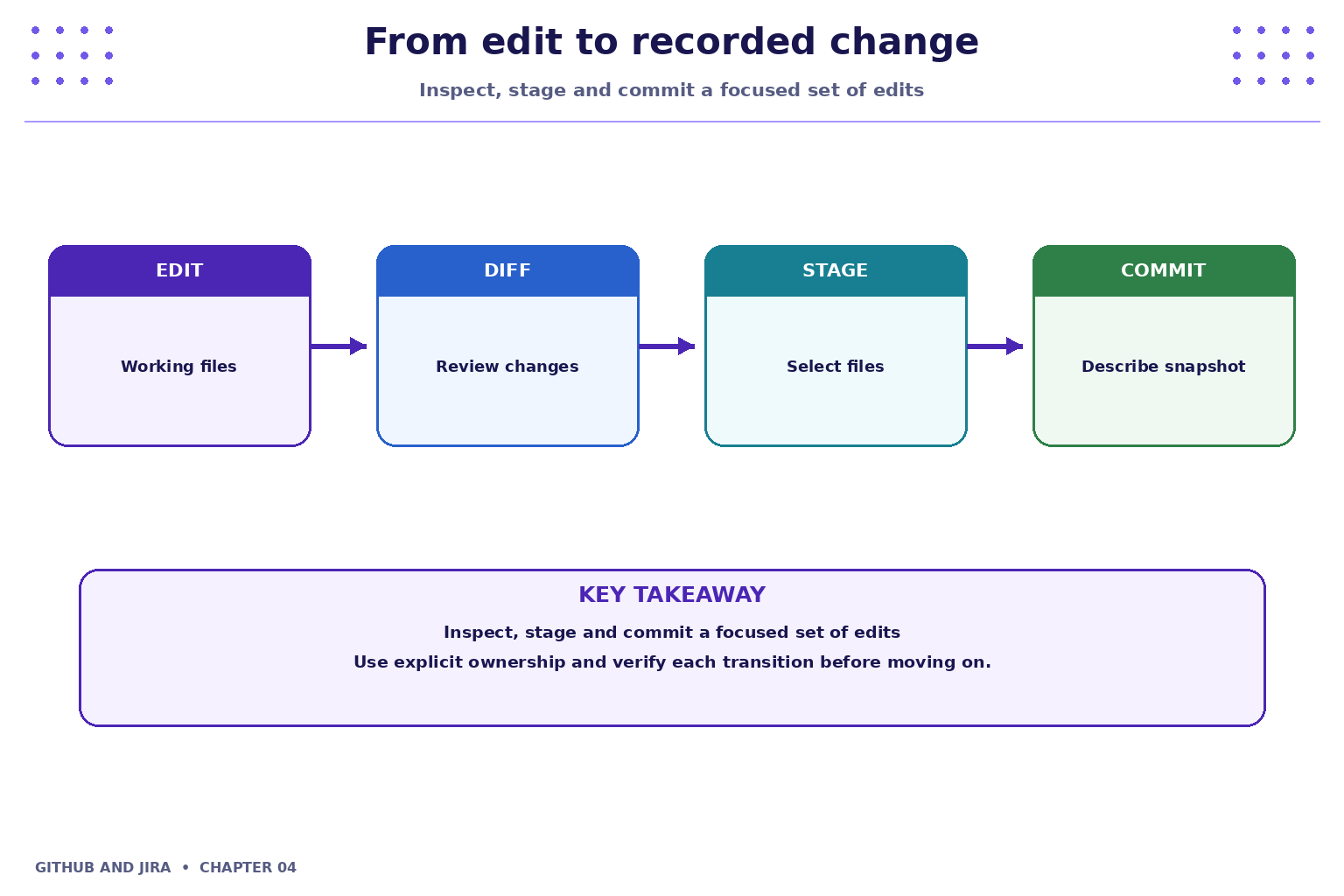
A good commit captures a coherent change. Inspect the diff and repository status before committing so the recorded snapshot matches your intention.
2. Core concepts
Inspect changes
Use git status to understand changed and untracked files. Use git diff to inspect unstaged edits and git diff --staged to inspect what is staged for the next commit.
Stage intentionally
Stage only files that belong to the same logical change. Avoid blindly using broad staging commands when generated files or secrets might be present.
3. Practical model
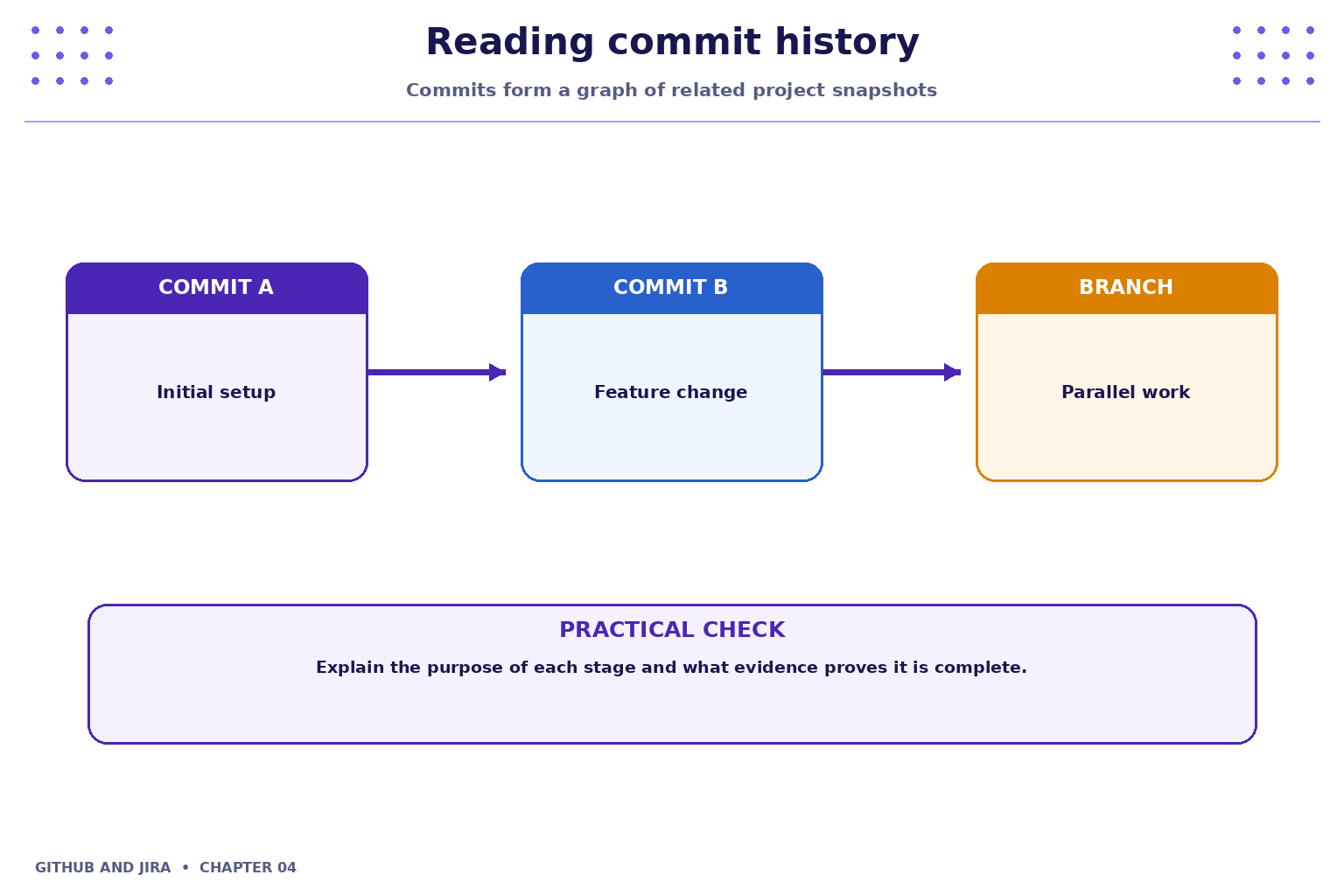
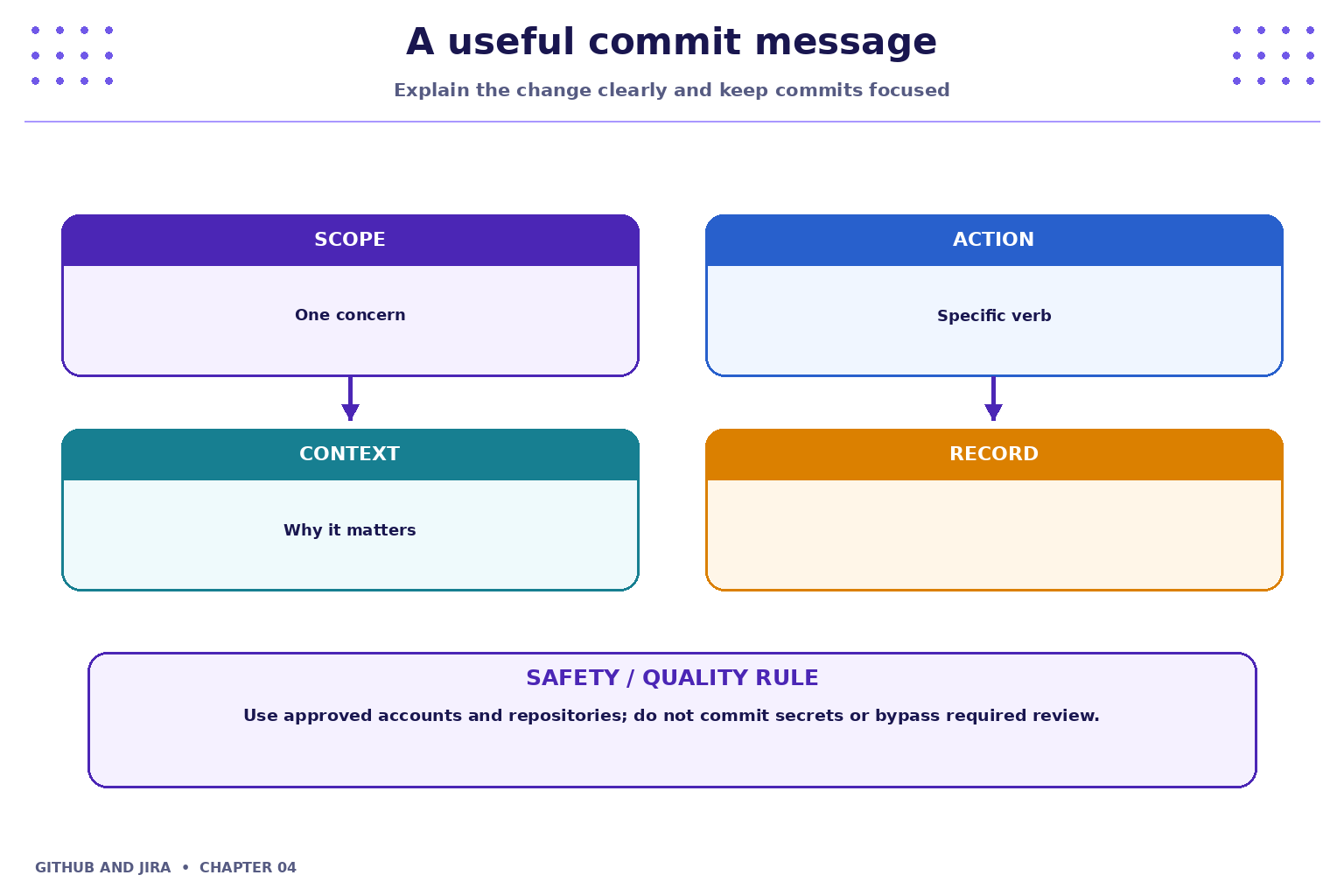
Prefer a concise imperative summary, such as Add task due-date validation. Keep unrelated formatting, refactoring and feature work separate when practical. History is useful for reviews, debugging and rollback planning.
4. Industry scenario
Scenario: a team is delivering a small feature for a fictional Student Task Tracker. A good commit captures a coherent change. Inspect the diff and repository status before committing so the recorded snapshot matches your intention.
5. Hands-on lab
Use only your own practice repository and the approved Jira project. Do not use production code, credentials or personal data.
- Modify a README or sample source file.
- Run
git statusandgit diff; explain what changed before staging. - Stage the intended file, inspect
git diff --staged, commit with a clear message and reviewgit log --oneline.
Lab evidence to record
- What you changed or inspected.
- The command or UI action used.
- What you observed and how you verified it.
- Any limitation, blocker or follow-up action.
6. Command and action reference
| Command / action | Purpose / safe note |
|---|---|
git status |
Summarise repository state |
git diff |
Show unstaged differences |
git diff --staged |
Show staged differences |
git add <file> |
Stage a selected file |
git commit -m "Message" |
Record staged changes |
git log --oneline --graph |
Inspect concise commit history |
Safety note: Command-line examples are illustrative. Replace placeholders with values from your own approved practice environment. Do not paste tokens, passwords, private keys or confidential data into commits, tickets or screenshots.
7. Common mistakes and troubleshooting
- Wrong repository or project: verify the repository URL, current directory, project name and work-item key before changing anything.
- Permission denied / action unavailable: check account access and project or repository permissions; request the appropriate access rather than sharing credentials or bypassing controls.
- Unexpected Git state: stop and inspect
git status, the diff and recent history before trying another command. - Missing integration activity: verify configuration, permissions, repository connection and the team's linking convention; do not assume the integration supports every event.
8. Quick-fire knowledge check
1. Why inspect a diff before committing?
Show answer
To verify the exact changes being recorded2. What makes a commit focused?
Show answer
It captures one coherent logical change3. What does git log show?
Show answer
Commit historyKey takeaways
- A good commit captures a coherent change. Inspect the diff and repository status before committing so the recorded snapshot matches your intention.
- Keep changes small, status accurate and evidence easy for teammates to inspect.
- Follow approved access, review and security policies.
Practice extension
Ask a teammate to review your work or inspect a sample project. Identify one improvement to clarity, traceability, test evidence or workflow consistency.
Next chapter
Chapter 5 — Branches, Merging and Conflict Resolution