
Chapter 16: Three-Hour Hands-On Consolidation Lab
Practical focus: A quick-fire revision and integrated GitHub + Jira practice.
Learning objectives
By the end of this chapter, you should be able to:
- Apply the plan-to-code workflow end to end.
- Demonstrate safe commits, branches and pull requests.
- Present evidence and an accurate final status.
1. Why this topic matters
Consolidate the most important skills: clear work items, safe Git changes, branch-based development, reviewed pull requests, traceability and an accurate final status.
2. Core concepts
Quick-fire revision
Git records local history. A repository contains project files and history. A branch isolates work. A commit records a snapshot. GitHub hosts collaboration and pull requests. Jira tracks work items and workflow. Acceptance criteria define verifiable completion.
Capstone scenario
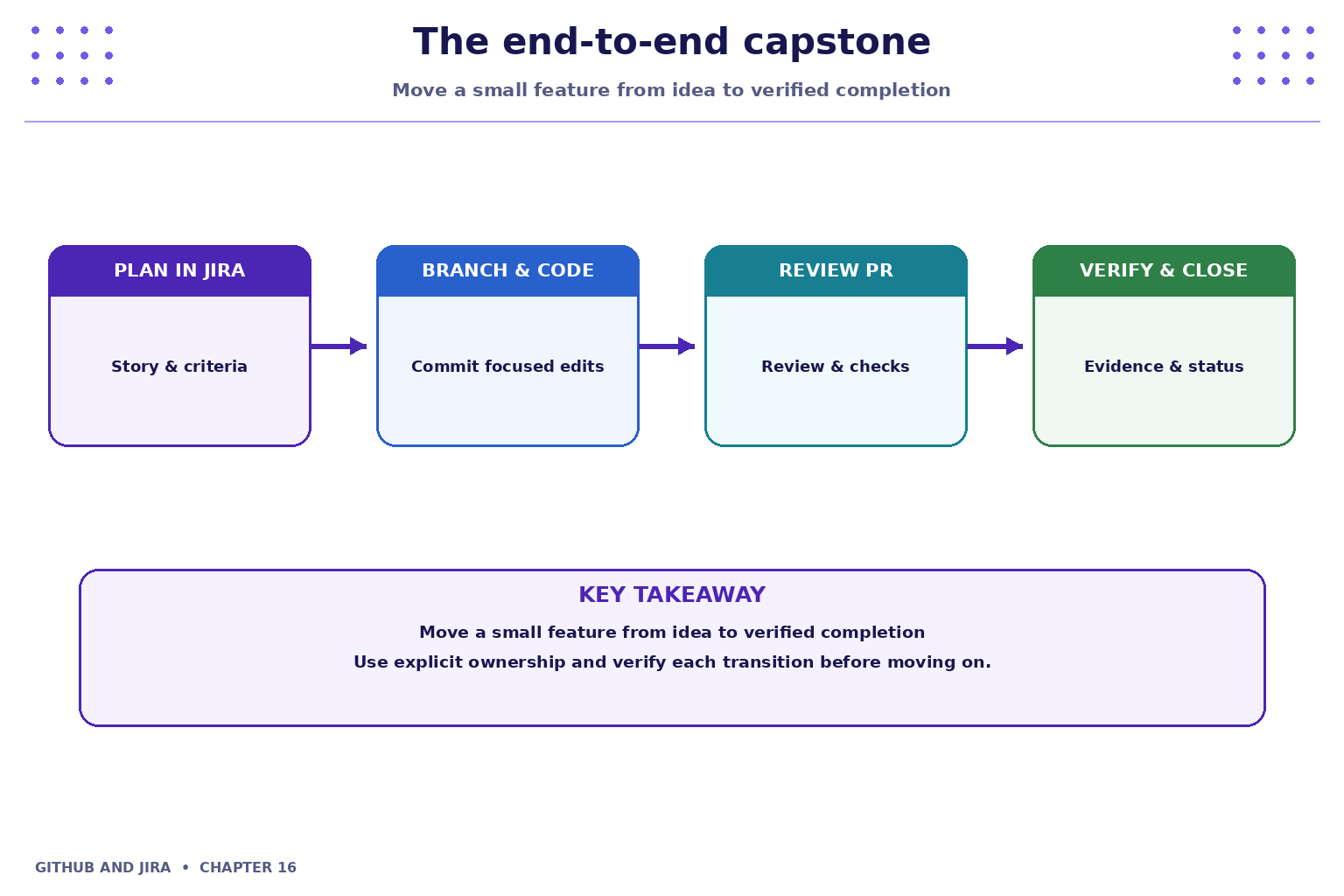
Build a tiny change for a fictional Student Task Tracker, such as adding a due-date field or improving task validation. Use a provided sample repository or a harmless README-level simulation if no application is available. Keep the scope small enough to review.

3. Practical model
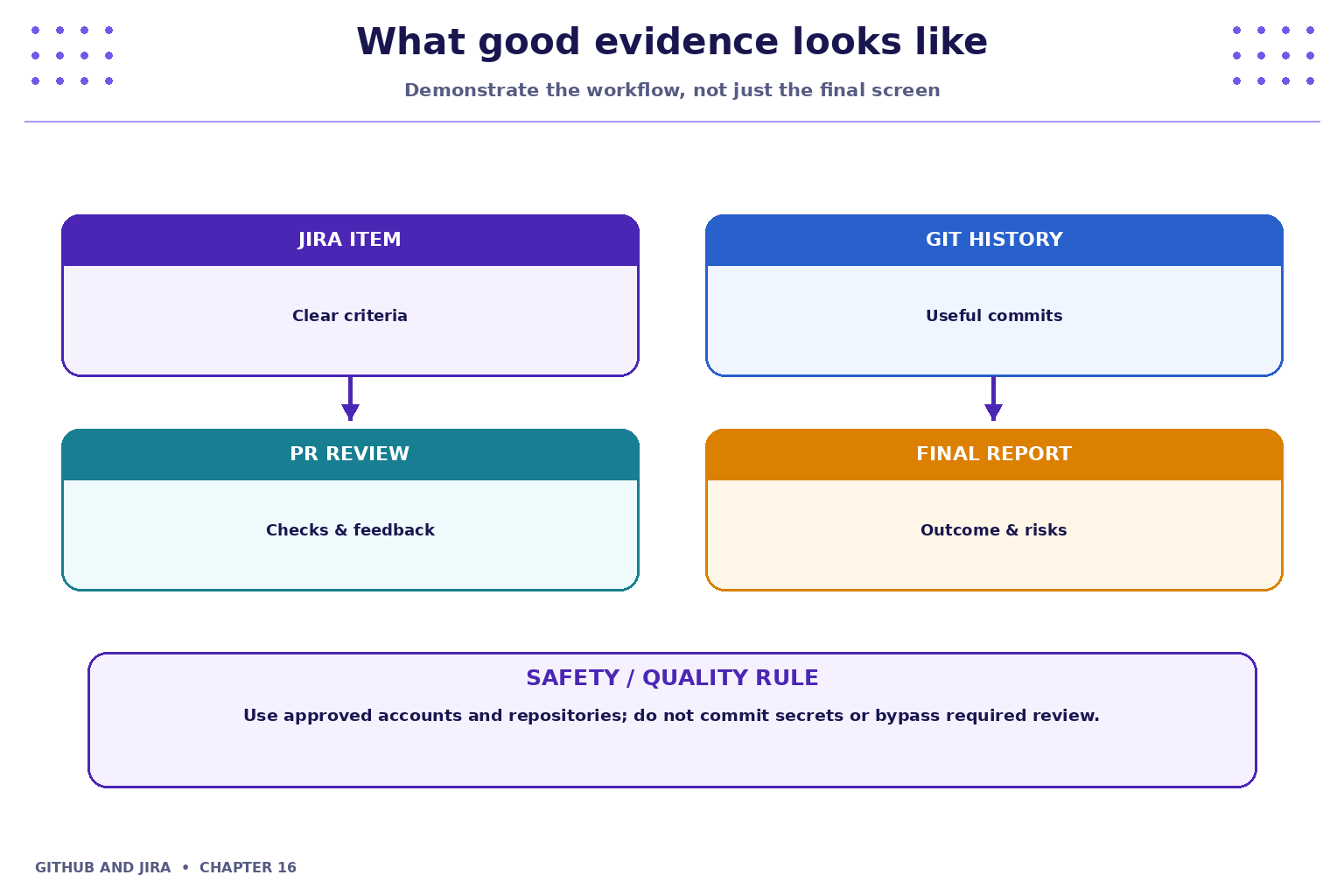
The work item has clear criteria and an owner; the branch contains focused commits; the pull request explains the change and includes validation evidence; review feedback is addressed; required checks pass; the Jira status reflects the actual outcome; and a short handover note records any remaining limitations.
4. Industry scenario
Scenario: a team is delivering a small feature for a fictional Student Task Tracker. Consolidate the most important skills: clear work items, safe Git changes, branch-based development, reviewed pull requests, traceability and an accurate final status.
5. Hands-on lab
Use only your own practice repository and the approved Jira project. Do not use production code, credentials or personal data.
-
- In Jira, create or select one story with two testable acceptance criteria and an owner.
-
- Create a feature branch, make a small change, inspect the diff and commit it with a descriptive message.
-
- Push the branch and open a pull request with a summary, testing notes and a link to the work item.
-
- Review the pull request (self-review checklist or peer review), respond to feedback and verify checks where available.
-
- Update the Jira item only when evidence supports the status; write a final status report with outcome, links, risks and next action.
Lab evidence to record
- What you changed or inspected.
- The command or UI action used.
- What you observed and how you verified it.
- Any limitation, blocker or follow-up action.
6. Command and action reference
| Command / action | Purpose / safe note |
|---|---|
git status |
Check the repository state |
git switch -c <branch> |
Create a feature branch |
git diff |
Inspect changes |
git add <file> |
Stage intended files |
git commit -m "Describe change" |
Record a focused commit |
git push -u origin <branch> |
Publish the branch |
git log --oneline -5 |
Review recent history |
Safety note: Command-line examples are illustrative. Replace placeholders with values from your own approved practice environment. Do not paste tokens, passwords, private keys or confidential data into commits, tickets or screenshots.
7. Common mistakes and troubleshooting
- Wrong repository or project: verify the repository URL, current directory, project name and work-item key before changing anything.
- Permission denied / action unavailable: check account access and project or repository permissions; request the appropriate access rather than sharing credentials or bypassing controls.
- Unexpected Git state: stop and inspect
git status, the diff and recent history before trying another command. - Missing integration activity: verify configuration, permissions, repository connection and the team's linking convention; do not assume the integration supports every event.
8. Quick-fire knowledge check
1. What links planning to code?
Show answer
A work-item reference in branch/commit/PR conventions and configured integration2. When is a story done?
Show answer
When its agreed acceptance criteria are met and evidence is recorded3. What should you do before committing?
Show answer
Inspect status and diff, then stage intended changesKey takeaways
- Consolidate the most important skills: clear work items, safe Git changes, branch-based development, reviewed pull requests, traceability and an accurate final status.
- Keep changes small, status accurate and evidence easy for teammates to inspect.
- Follow approved access, review and security policies.
Practice extension
Ask a teammate to review your work or inspect a sample project. Identify one improvement to clarity, traceability, test evidence or workflow consistency.
Next chapter
End of tutorial — continue practising on approved repositories and projects