
Chapter 06: Pull Requests and Code Review
Practical focus: Use discussion and evidence to improve changes before merging.
Learning objectives
By the end of this chapter, you should be able to:
- Open a useful pull request.
- Give constructive code review feedback.
- Respect required checks and repository policies.
1. Why this topic matters
A pull request is a collaboration workflow for proposing changes, discussing implementation, running checks and agreeing on integration.

2. Core concepts
A useful pull request
Include a concise title, the problem being solved, a summary of the change, testing evidence, known limitations and links to related work items. Keep scope manageable.
Review behaviour
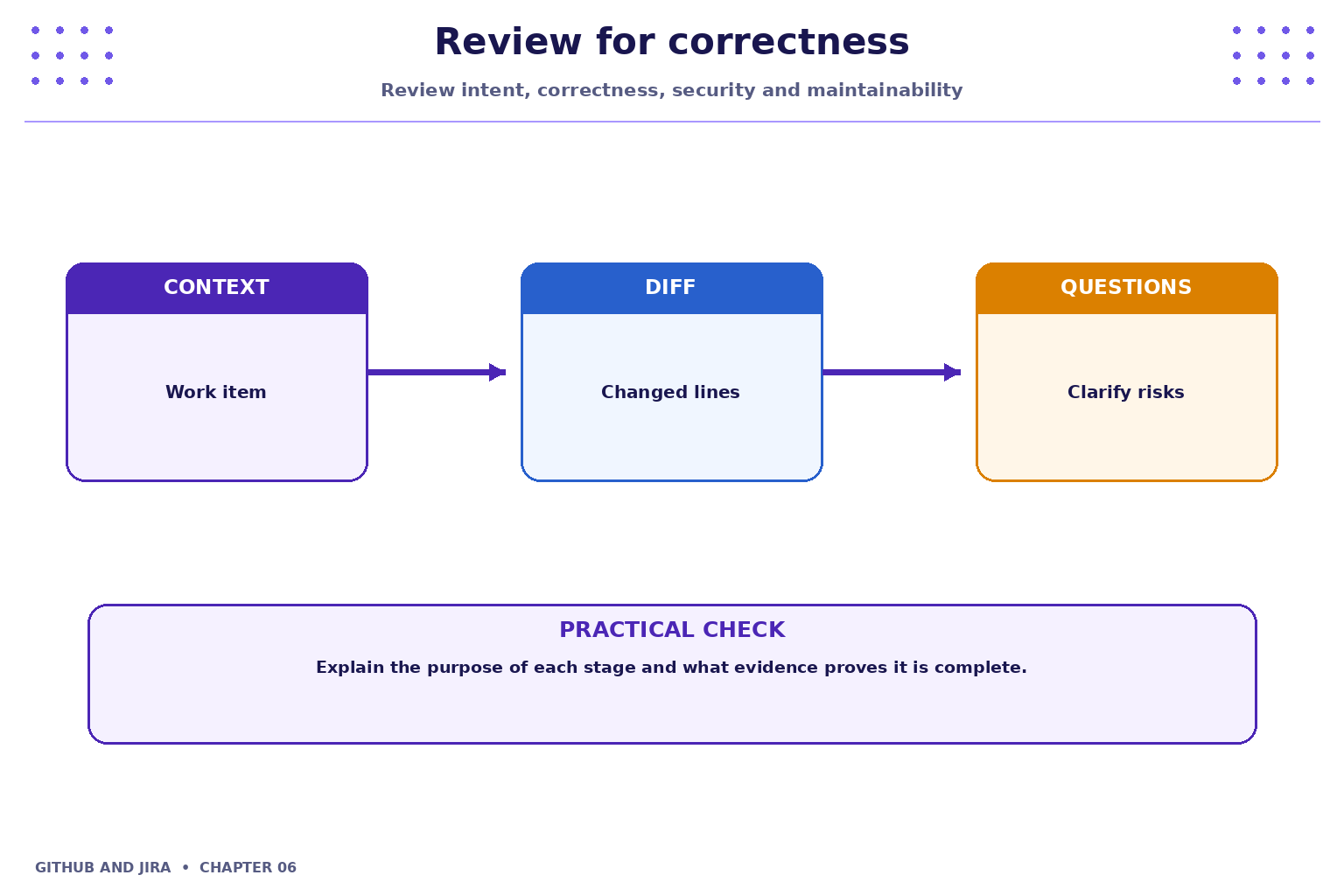
Review the code rather than the person. Ask specific questions, explain risks and distinguish blocking defects from suggestions. Authors should respond to feedback and update the branch when needed.
3. Practical model
Repositories may require reviews, passing checks, signed commits or other conditions before merging. Do not bypass branch protection or approval requirements. The available controls depend on repository settings and plan.

4. Industry scenario
Scenario: a team is delivering a small feature for a fictional Student Task Tracker. A pull request is a collaboration workflow for proposing changes, discussing implementation, running checks and agreeing on integration.
5. Hands-on lab
Use only your own practice repository and the approved Jira project. Do not use production code, credentials or personal data.
- Open a pull request from your feature branch.
- Add a summary, testing notes and a link to a related issue.
- Review a teammate's pull request: identify one strength, one question and one concrete improvement; then follow the repository's review policy.
Lab evidence to record
- What you changed or inspected.
- The command or UI action used.
- What you observed and how you verified it.
- Any limitation, blocker or follow-up action.
6. Command and action reference
| Command / action | Purpose / safe note |
|---|---|
git diff main...HEAD |
Review branch changes relative to main (adjust branch names as needed) |
git status |
Check working tree state |
git log --oneline |
Inspect recent commits |
git push |
Publish branch updates for review |
Safety note: Command-line examples are illustrative. Replace placeholders with values from your own approved practice environment. Do not paste tokens, passwords, private keys or confidential data into commits, tickets or screenshots.
7. Common mistakes and troubleshooting
- Wrong repository or project: verify the repository URL, current directory, project name and work-item key before changing anything.
- Permission denied / action unavailable: check account access and project or repository permissions; request the appropriate access rather than sharing credentials or bypassing controls.
- Unexpected Git state: stop and inspect
git status, the diff and recent history before trying another command. - Missing integration activity: verify configuration, permissions, repository connection and the team's linking convention; do not assume the integration supports every event.
8. Quick-fire knowledge check
1. What is the purpose of a pull request?
Show answer
Propose and review changes before integration2. What should a review comment focus on?
Show answer
Specific code behaviour, risk or maintainability3. Should required checks be bypassed for convenience?
Show answer
No, follow repository policyKey takeaways
- A pull request is a collaboration workflow for proposing changes, discussing implementation, running checks and agreeing on integration.
- Keep changes small, status accurate and evidence easy for teammates to inspect.
- Follow approved access, review and security policies.
Practice extension
Ask a teammate to review your work or inspect a sample project. Identify one improvement to clarity, traceability, test evidence or workflow consistency.
Next chapter
Chapter 7 — GitHub Issues, Labels and Milestones