
Chapter 12: Kanban, Workflow and Flow Metrics
Practical focus: Make work visible, reduce bottlenecks and improve flow.
Learning objectives
By the end of this chapter, you should be able to:
- Explain workflow states and WIP.
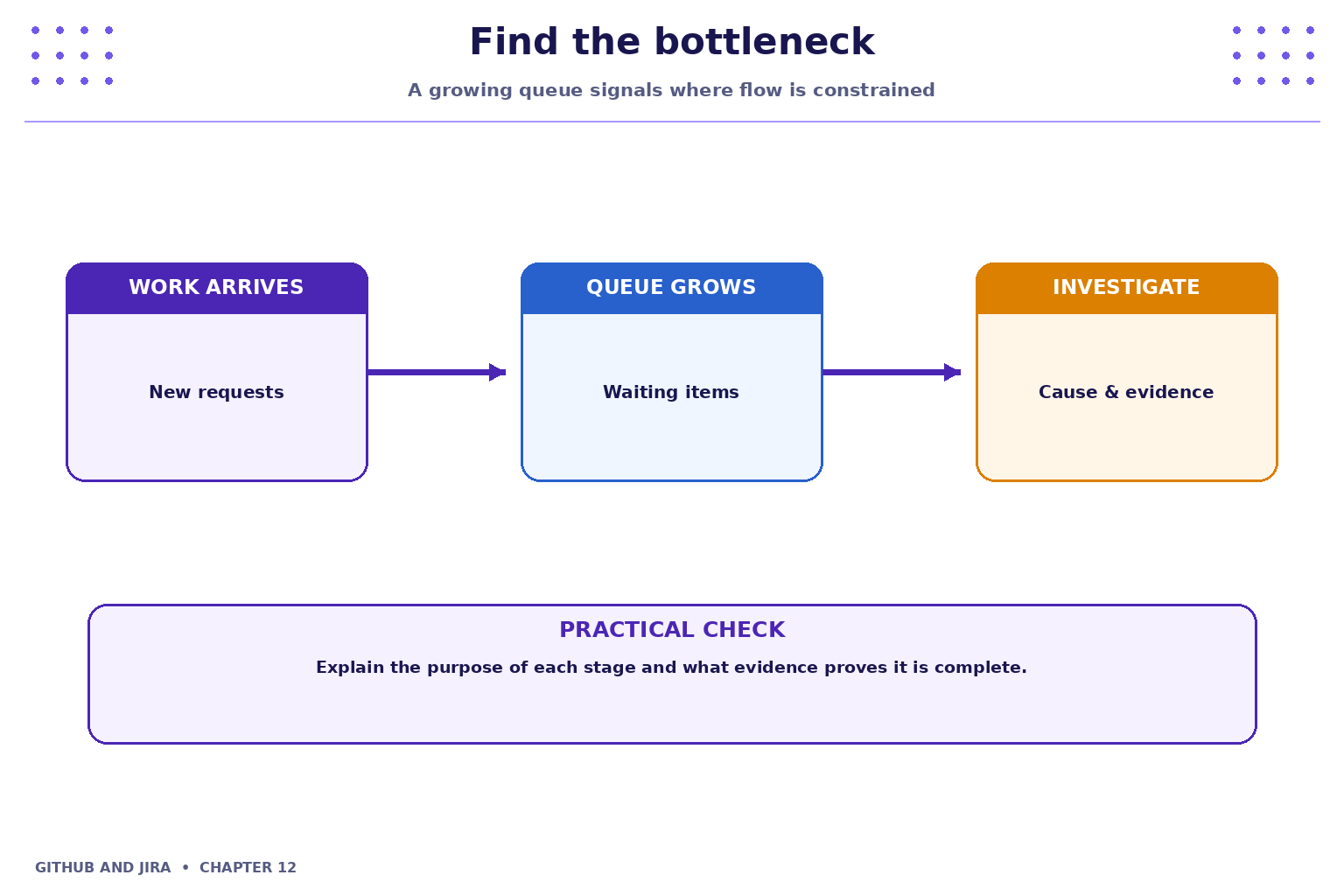
- Identify bottlenecks using evidence.
- Interpret basic flow metrics.
1. Why this topic matters
Kanban visualises work as it moves through states. Clear policies, visible blockers and sensible work-in-progress limits help teams finish work.

2. Core concepts
Workflow states
A workflow describes how work moves from request to completion. Define what each status means and what evidence is required to move an item forward.
Work in progress
Too many active items increase context switching and make delays harder to see. Teams can use explicit WIP limits or working agreements to focus on finishing work.
3. Practical model
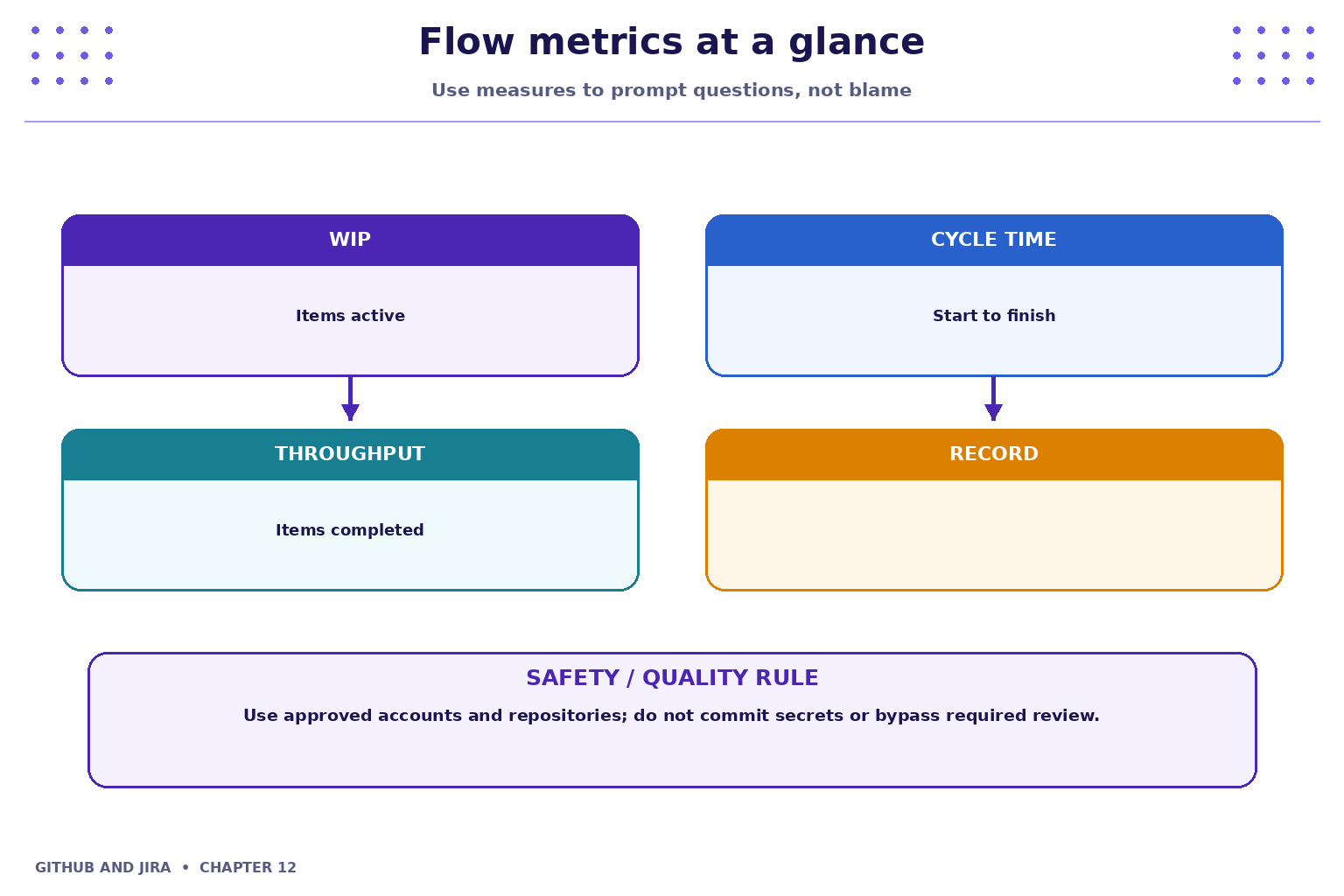
Cycle time measures elapsed time between defined start and finish points; throughput counts completed items over a period; WIP counts items currently in progress. Compare like with like and use trends to find system improvements, not to rank individuals.
4. Industry scenario
Scenario: a team is delivering a small feature for a fictional Student Task Tracker. Kanban visualises work as it moves through states. Clear policies, visible blockers and sensible work-in-progress limits help teams finish work.
5. Hands-on lab
Use only your own practice repository and the approved Jira project. Do not use production code, credentials or personal data.
- Build or inspect a Kanban board with Ready, In progress, Review and Done states.
- Add at least five items; identify which item is blocked and what evidence is needed to unblock it.
- Calculate a simple cycle-time example from supplied dates and explain one possible bottleneck.
Lab evidence to record
- What you changed or inspected.
- The command or UI action used.
- What you observed and how you verified it.
- Any limitation, blocker or follow-up action.
6. Command and action reference
| Command / action | Purpose / safe note |
|---|---|
Board columns |
Map workflow statuses to visible columns where permitted |
Filter / search |
Find blocked, unassigned or aging work |
History |
Inspect transitions and timestamps where available |
Reports |
Review flow trends if enabled |
Safety note: Command-line examples are illustrative. Replace placeholders with values from your own approved practice environment. Do not paste tokens, passwords, private keys or confidential data into commits, tickets or screenshots.
7. Common mistakes and troubleshooting
- Wrong repository or project: verify the repository URL, current directory, project name and work-item key before changing anything.
- Permission denied / action unavailable: check account access and project or repository permissions; request the appropriate access rather than sharing credentials or bypassing controls.
- Unexpected Git state: stop and inspect
git status, the diff and recent history before trying another command. - Missing integration activity: verify configuration, permissions, repository connection and the team's linking convention; do not assume the integration supports every event.
8. Quick-fire knowledge check
1. What does WIP mean?
Show answer
Work in progress2. What can a growing review queue indicate?
Show answer
A possible bottleneck3. Should flow metrics be used to blame individuals?
Show answer
No, use them to understand and improve the systemKey takeaways
- Kanban visualises work as it moves through states. Clear policies, visible blockers and sensible work-in-progress limits help teams finish work.
- Keep changes small, status accurate and evidence easy for teammates to inspect.
- Follow approved access, review and security policies.
Practice extension
Ask a teammate to review your work or inspect a sample project. Identify one improvement to clarity, traceability, test evidence or workflow consistency.
Next chapter
Chapter 13 — Linking GitHub Development Activity with Jira