
Chapter 05: Branches, Merging and Conflict Resolution
Practical focus: Develop features in isolation and integrate them carefully.
Learning objectives
By the end of this chapter, you should be able to:
- Create and switch branches.
- Explain merge and conflict resolution.
- Verify conflict resolution before integration.
1. Why this topic matters
Branches let contributors work in parallel. A merge combines histories; conflicts require a human to decide how overlapping edits should be reconciled.
2. Core concepts
Create a branch
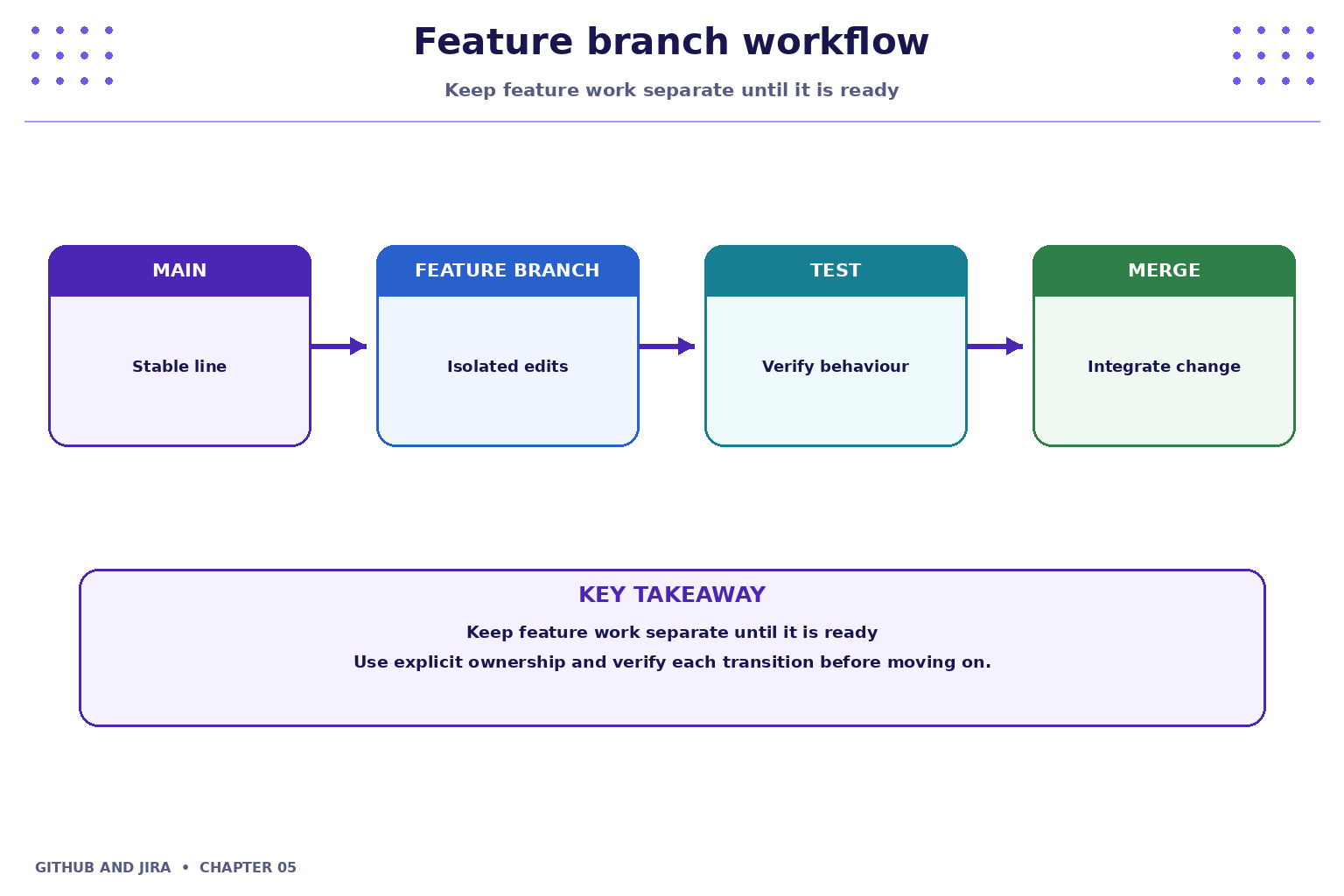
Use a descriptive branch name such as feature/task-due-date. Branches make it easier to isolate a change and create a pull request without directly changing the main line of development.
Merge changes
A merge integrates another branch into the current branch. Teams may use merge commits, squash merges or rebasing according to repository policy. Follow the project's agreed method rather than choosing arbitrarily.

3. Practical model
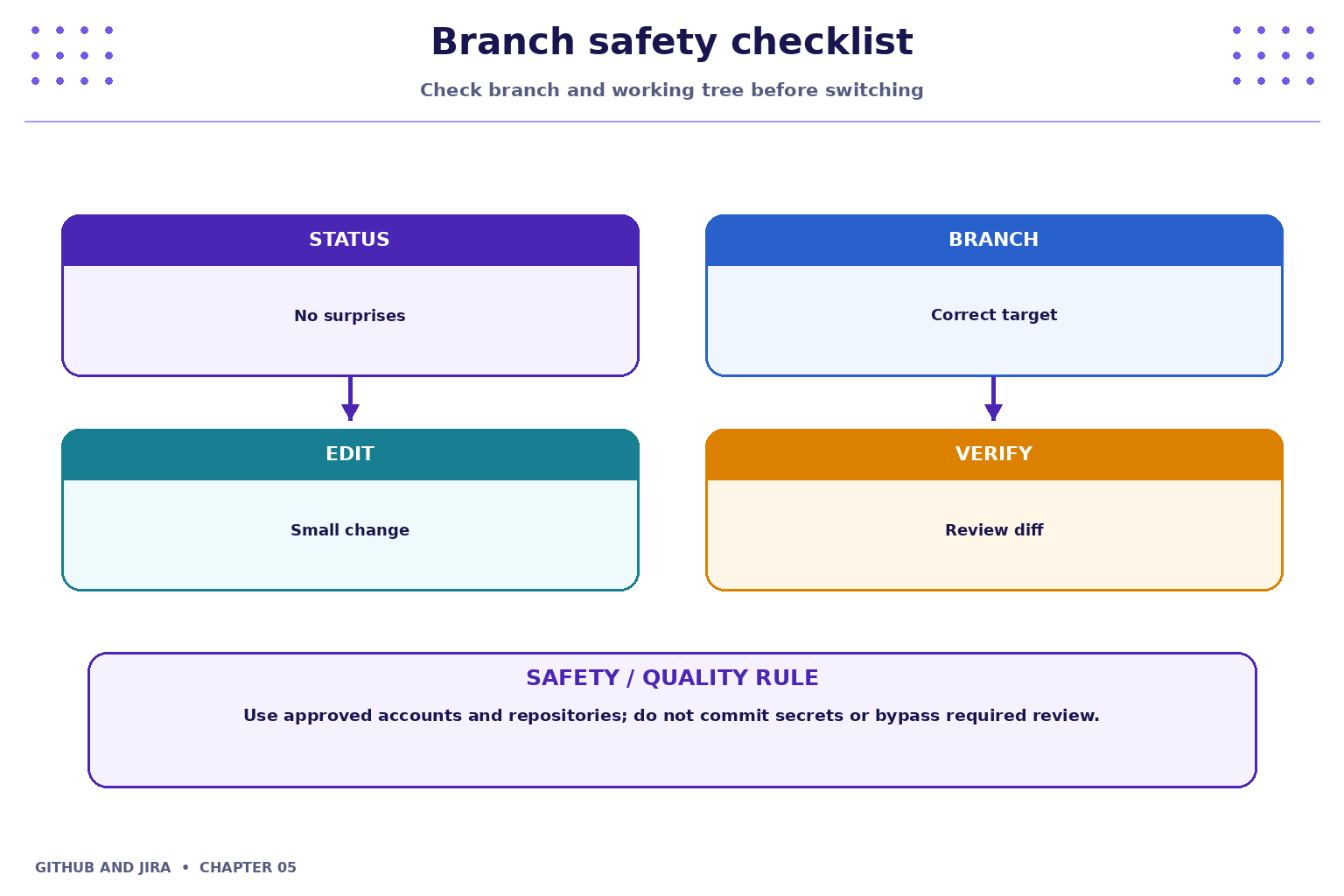
Git marks overlapping edits that need resolution. Read both versions, understand the intent, edit the file into the desired result, remove conflict markers, inspect the diff, run relevant tests and complete the merge or rebase according to the operation in progress.
4. Industry scenario
Scenario: a team is delivering a small feature for a fictional Student Task Tracker. Branches let contributors work in parallel. A merge combines histories; conflicts require a human to decide how overlapping edits should be reconciled.
5. Hands-on lab
Use only your own practice repository and the approved Jira project. Do not use production code, credentials or personal data.
- Create a feature branch from the main branch.
- Edit a sample file, commit the change, and merge it back using the approved method.
- In a disposable practice repository, create conflicting edits on two branches and resolve the conflict without discarding either intended change.
Lab evidence to record
- What you changed or inspected.
- The command or UI action used.
- What you observed and how you verified it.
- Any limitation, blocker or follow-up action.
6. Command and action reference
| Command / action | Purpose / safe note |
|---|---|
git branch |
List local branches |
git switch -c <branch> |
Create and switch to a branch |
git switch <branch> |
Switch branches |
git merge <branch> |
Merge the named branch into the current branch |
git status |
Inspect conflict or merge state |
git diff |
Review edits before completing the operation |
Safety note: Command-line examples are illustrative. Replace placeholders with values from your own approved practice environment. Do not paste tokens, passwords, private keys or confidential data into commits, tickets or screenshots.
7. Common mistakes and troubleshooting
- Wrong repository or project: verify the repository URL, current directory, project name and work-item key before changing anything.
- Permission denied / action unavailable: check account access and project or repository permissions; request the appropriate access rather than sharing credentials or bypassing controls.
- Unexpected Git state: stop and inspect
git status, the diff and recent history before trying another command. - Missing integration activity: verify configuration, permissions, repository connection and the team's linking convention; do not assume the integration supports every event.
8. Quick-fire knowledge check
1. Why use a feature branch?
Show answer
To isolate work before integration2. Who decides the correct result of a content conflict?
Show answer
The contributor must understand intent and resolve it3. What should happen after resolving conflict markers?
Show answer
Inspect the result and run relevant checksKey takeaways
- Branches let contributors work in parallel. A merge combines histories; conflicts require a human to decide how overlapping edits should be reconciled.
- Keep changes small, status accurate and evidence easy for teammates to inspect.
- Follow approved access, review and security policies.
Practice extension
Ask a teammate to review your work or inspect a sample project. Identify one improvement to clarity, traceability, test evidence or workflow consistency.
Next chapter
Chapter 6 — Pull Requests and Code Review